What the module does, and how far you can shape it
One assessment tool covering capture, drafting, review and output — set up in minutes, configurable down to the wording if you want it.
Templates and standards
Start from our PAS 79-1 and BS 9792 templates, or upload a finished report or your existing template and we will create an AI FireCheckr template in minutes.
Capture on site
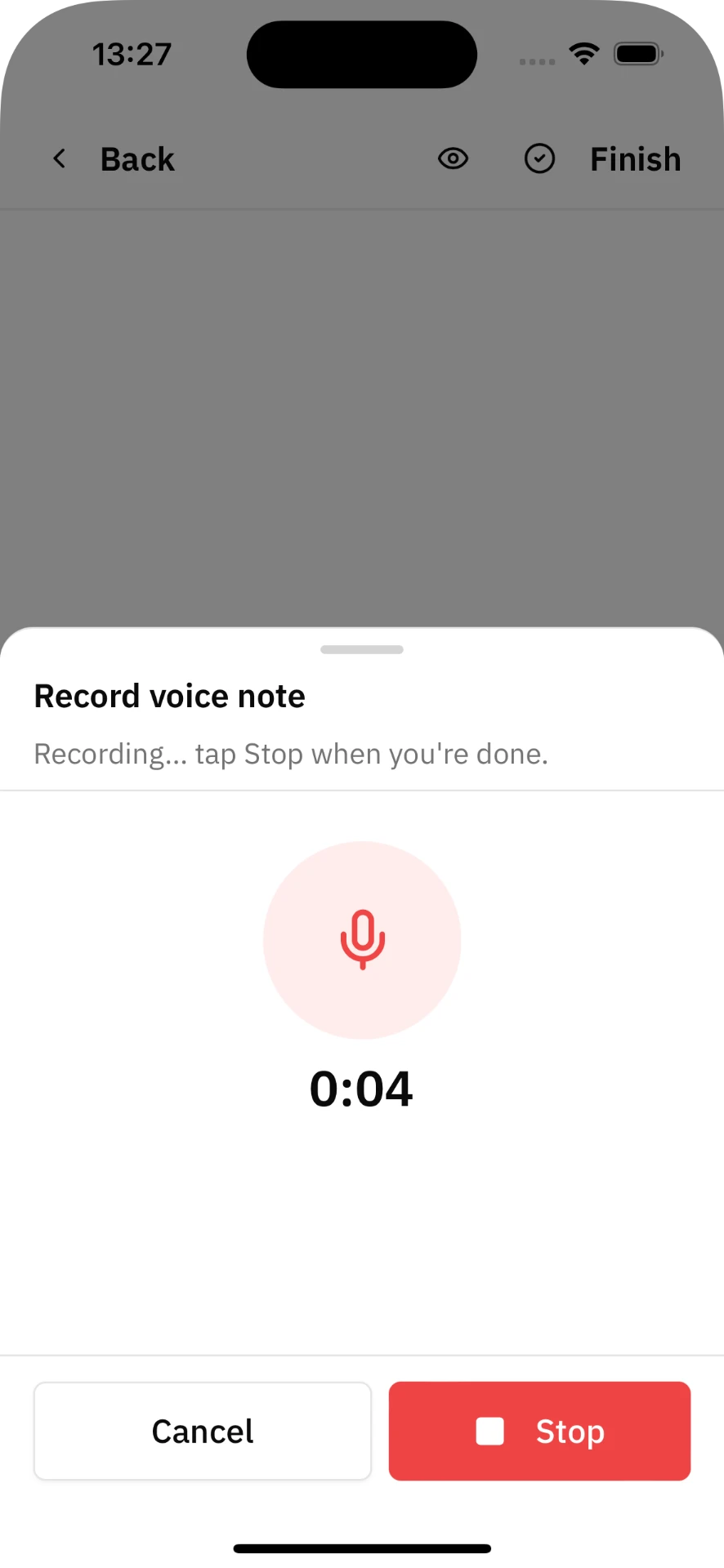
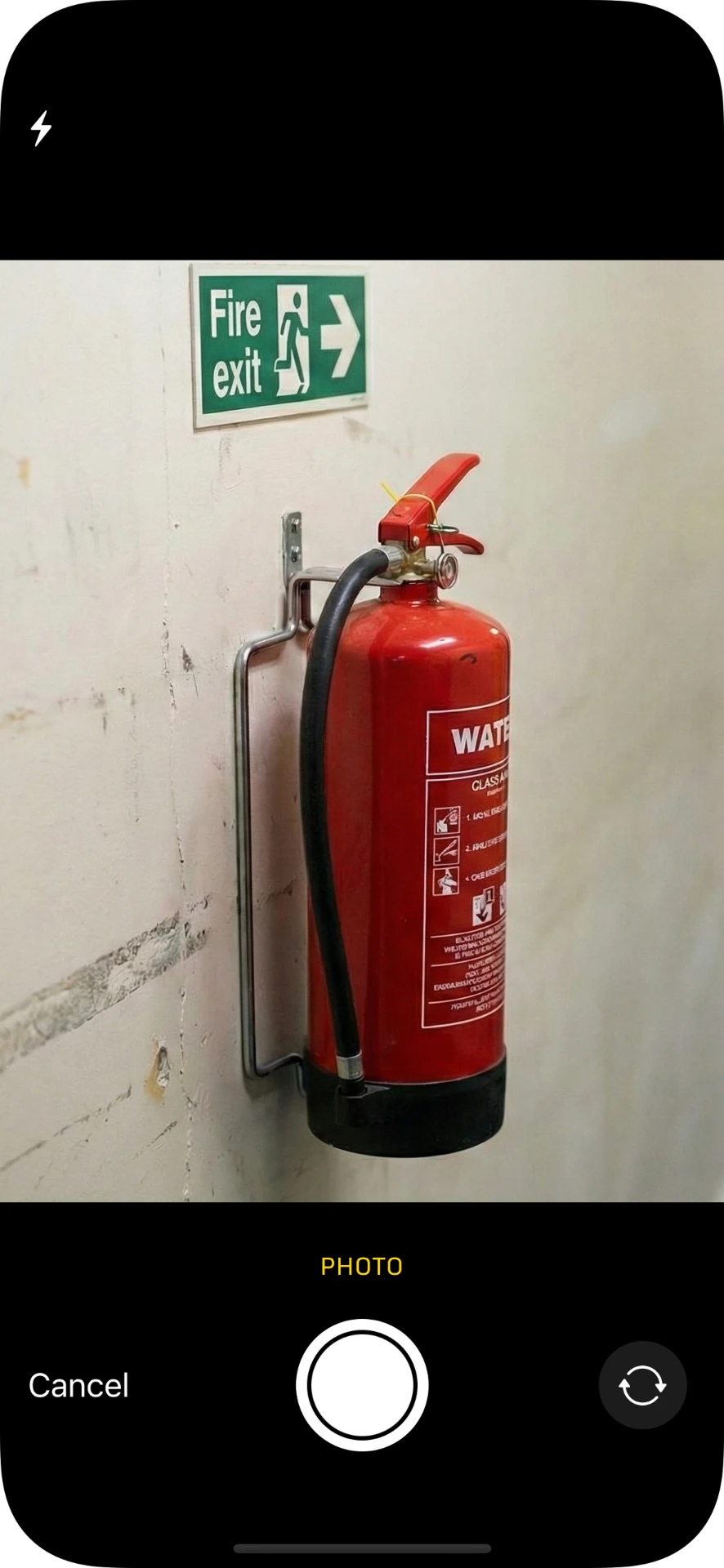
Voice notes, typed notes and photos in any order, on iOS, Android or the browser. No rigid forms.
AI drafting
Your observations are sorted into the right sections and drafted into full answers, using only what you recorded.
Risk rating and action plan
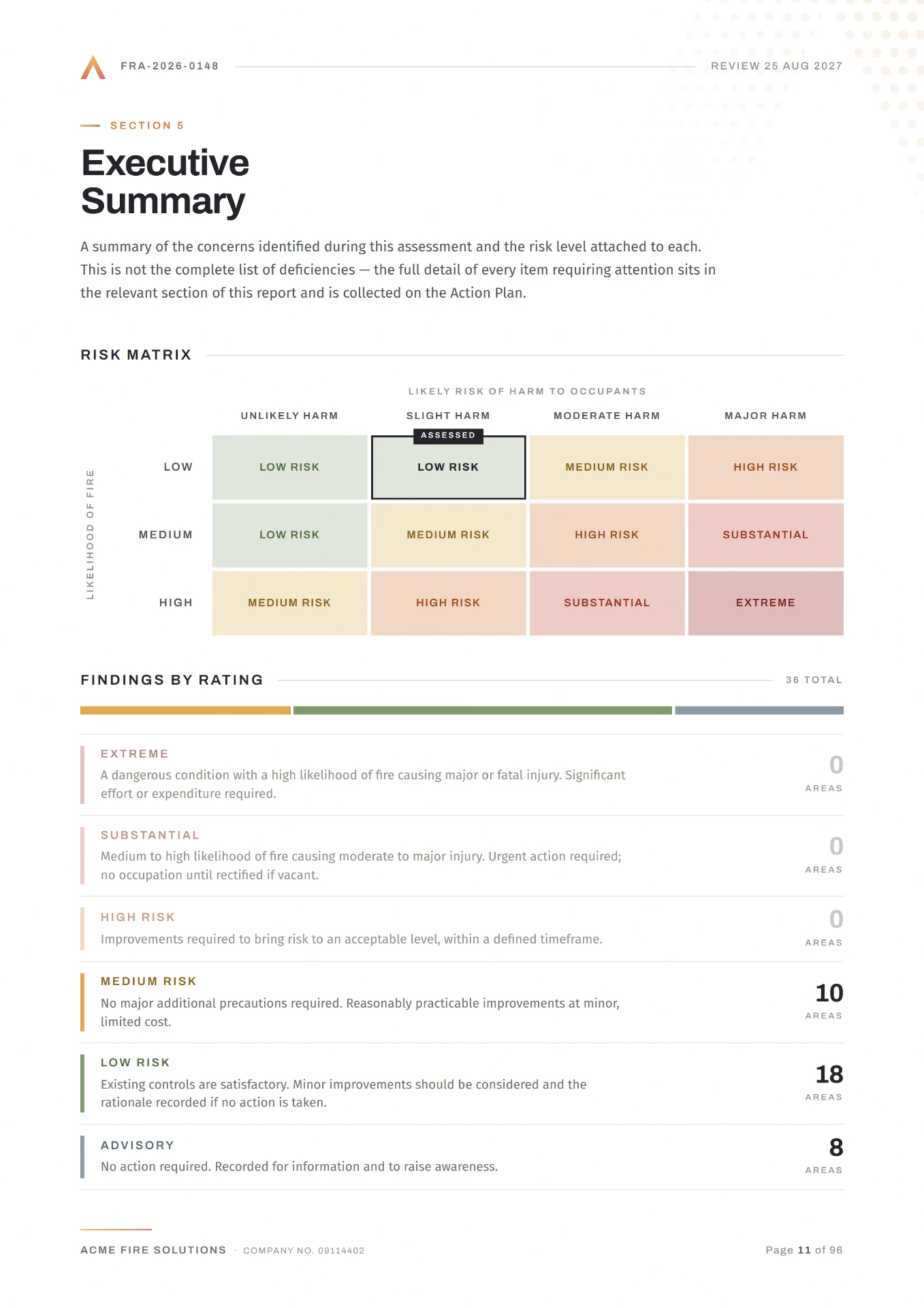
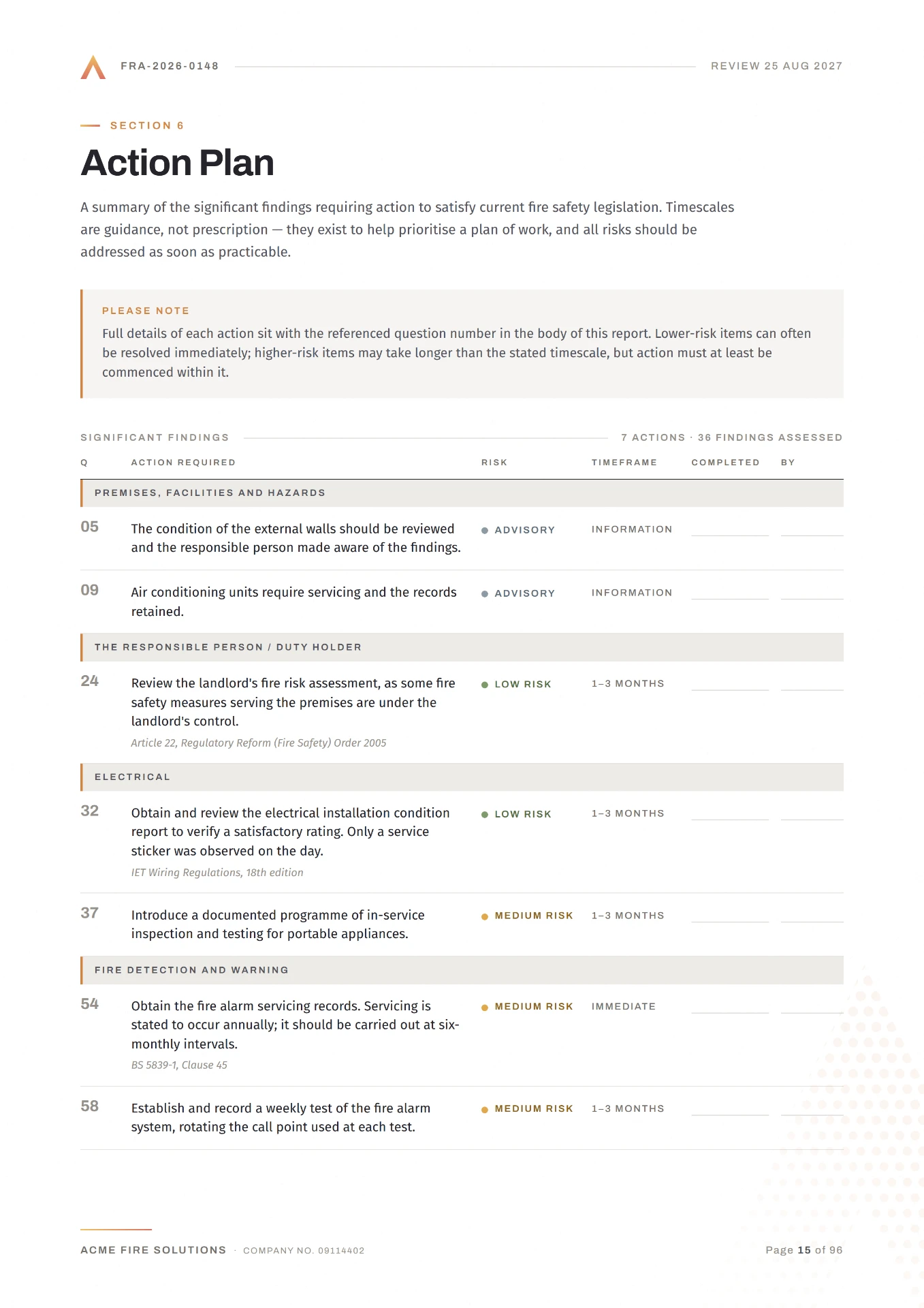
You set the ratings; findings become a prioritised action plan with owners and target dates.
Review and sign-off
Peer review and validation checks before anything is issued, with a clear audit trail. Our AI runs a first quality check to speed up validation.
Branded output
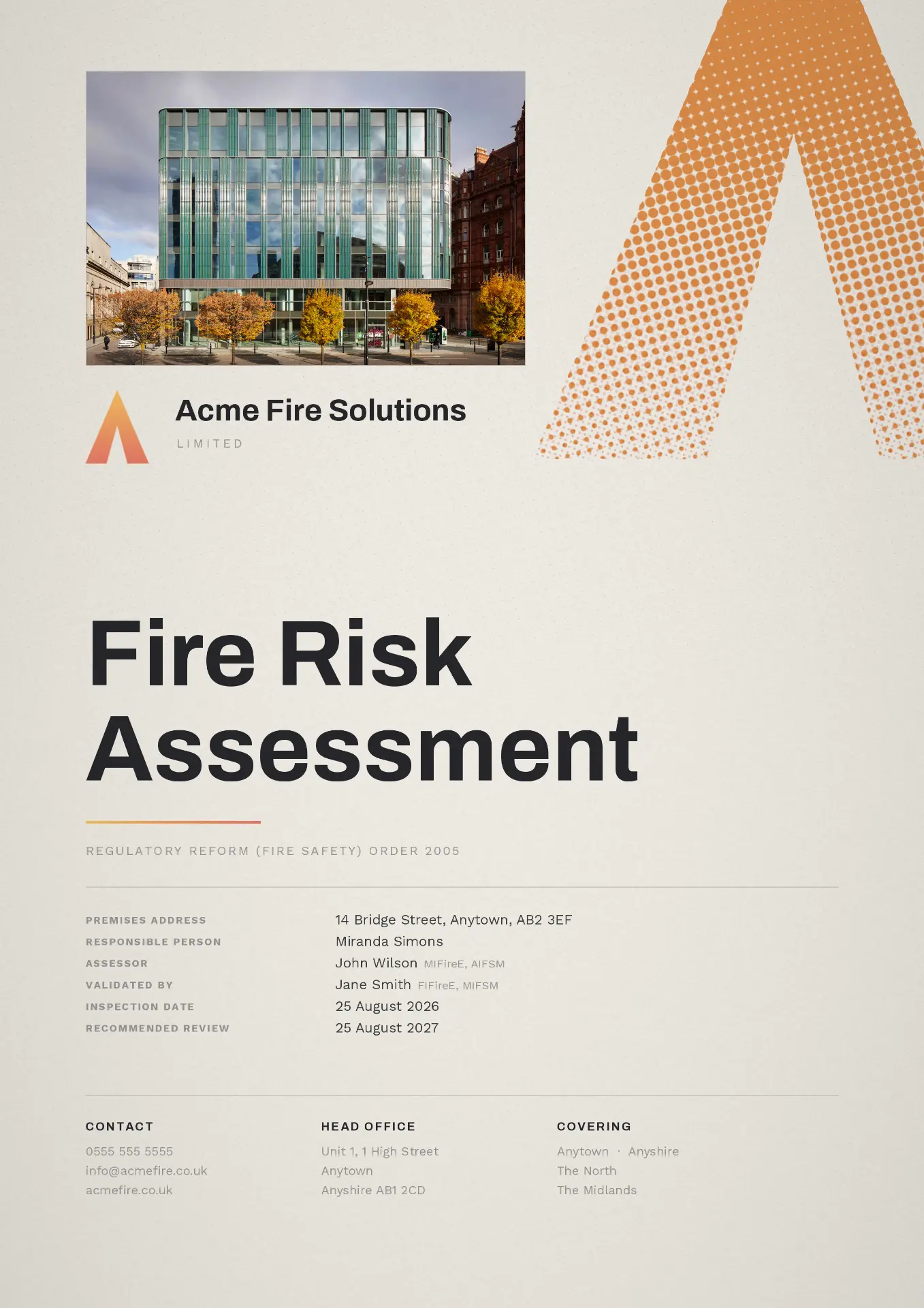
Issue a fully branded PDF, export the action plan as a spreadsheet, or publish to the client portal.
You choose how much configuration you want. Nothing is mandatory, and nothing is locked.
Straightforward by default
- Ready-made templates, live on day one
- Your logo, fonts and colours applied to every report
- Sensible defaults for ratings and action priorities
Full control when you need it
- Your own questions, answer libraries and standard wording
- Peer review stages and quality gates per team or client
- Report layout, sections and export formats defined by you
From site visit to signed report
FireCheckr is fire risk assessment software for UK assessors. Talk, type and photograph on site; the AI drafts the assessment in your own template. You review, sign off and issue.
Capture on site
Talk, type quick notes, take photos — in whatever order you see things. No forms, no dropdowns. Just capture what you see, as you see it.
AI sorts your notes and writes the report
Your words are organised into the correct report sections, then drafted into full answers to the questions in your template. It uses only your observations — it never invents anything.
Review and finalise
Review, edit and approve, then issue a fully branded PDF report — every image, font and colour under your control. Export the action plan as a spreadsheet, or publish the report, actions and training records to your client portal as a live digital logbook.
Your judgement, your words, your report
FireCheckr writes only what you recorded on site. The AI organises and drafts from your own notes, photos and voice clips — it never invents findings, never rates risk for you, and never issues anything without your sign-off. If you didn't say it, it doesn't appear in your report.
Every sentence traceable to what you recorded on site
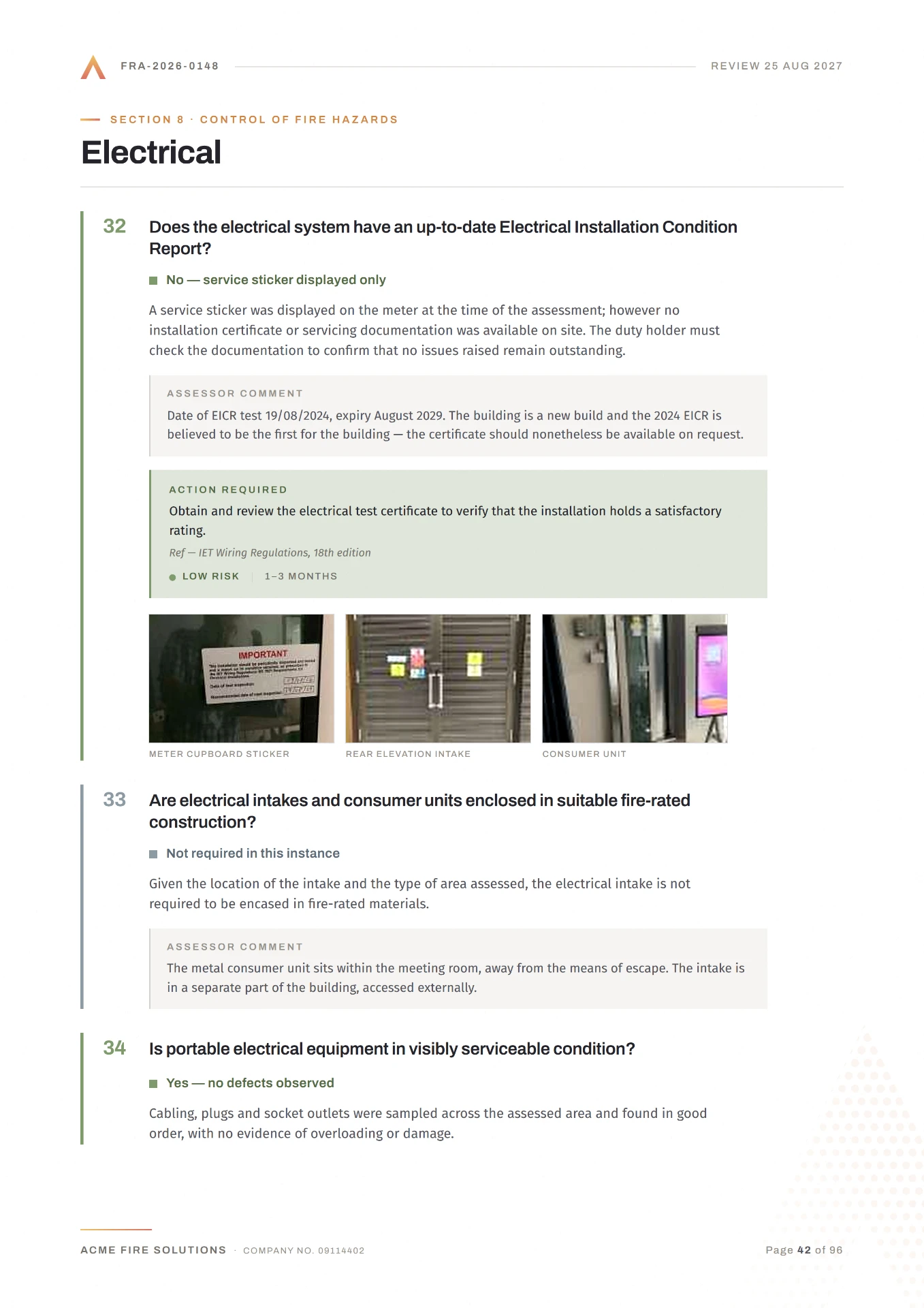
The draft is built only from your own notes, photos and voice clips. Each answer shows the evidence behind it while you review, so nothing is invented and nothing appears that you did not record.
Are fire extinguishers maintained and suitable?
The extinguisher on the first-floor hallway is beyond its service date(Citation: Site Note 1). Kitchen extinguishers are the wrong type for the cooking risk present(Citation: Site Note 2). Replace with a wet chemical unit and reinstate the service schedule.
What the AI does
- Selects appropriate template answers based on your findings
- Pulls in predefined template language and adapts it to your observations
- Adds contextual commentary drawn directly from your site notes
- Flags gaps where more information is needed before the report is complete
What the AI never does
- Generates observations it didn't hear from you
- Makes risk rating judgements on your behalf
- Produces a final product — it produces a first draft for your review
Built on the standards
Use our templates or build your own — covering every combination of standard, type, and jurisdiction.
- General non-sleeping premises
- Sleeping accommodation
- Residential care
- England & Wales, Scotland, NI variants
- Type 1: Common parts, non-intrusive
- Type 2: Common parts, intrusive
- Type 3: Common + dwellings, non-intrusive
- Type 4: Common + dwellings, intrusive
Enterprise-grade security, compliance and auditability
Enterprise fire risk assessment software built for procurement teams, housing providers and certification bodies. UK and EU hosting, encryption in transit and at rest, UK and EU GDPR with a data processing agreement, and role-based access with a full audit trail behind every answer. We operate to ISO 27001 and Cyber Essentials standards. Your reports are never used to train AI models, and you can export everything at any time.
Granular, least privilege access
Roles and rights are set per user, so assessors, validators, administrators and clients only ever see what their role requires.
Full Encryption
Encryption in transit and at rest, with enforced access control throughout the platform.
Data processing agreementUK & EU Data Residency
Hosted in UK and EU data centres, so your data never leaves the region.
Privacy noticeWe never train models on your data
Your reports, notes and photos are never used to train AI models, ours or anyone else's.
Responsible AIIntegrations and APIs
Integration frameworks and APIs to connect FireCheckr to your existing tools.
Full auditable logs
Who wrote, edited and signed off each answer, with the site note or photo behind it, retained for the life of the record.
ISO 27001 compliant
We operate to the ISO 27001 information security standard.
Certification in progressQuestions assessors ask before they switch
Yes. You can capture voice notes, typed notes and photos with no signal at all — in basements, risers and plant rooms — and everything syncs automatically once you are back in coverage.
Yes. We set up your own template, questions and standard wording during onboarding, so reports come out in your house style from day one. Past reports can be uploaded and kept against the building record.
Most practices are working in FireCheckr within days rather than weeks. On a free trial you typically have a usable environment with your branding applied in about an hour.
Every drafted answer shows the note, photo or voice clip it came from, so a misplacement is obvious during review and can be moved in a click. Nothing is issued without your sign-off.
You do. Your reports, photos and client records remain yours, you can export them in full at any time, and they are never used to train AI models.
Pricing is per report rather than per seat, with volume discounts as your assessment numbers grow, so a small practice is not paying for enterprise seats.
Choose how you want to get started with FireCheckr
Book a demo
30 minOutcomes
- You will experience why FireCheckr saves up to 62% writing time first hand.
- Personalised pricing according to our volume discounts
- Plan on how to best test FireCheckr and configure it so it works for you
Start a 7-day free trial
1 week free trialOutcomes
- Fully setup platform within 1 hour
- Your own branded template loaded and ready
- Real assessments run end to end
- You judge the draft on reports you delivered